



Welcome to the ATNSOFT website

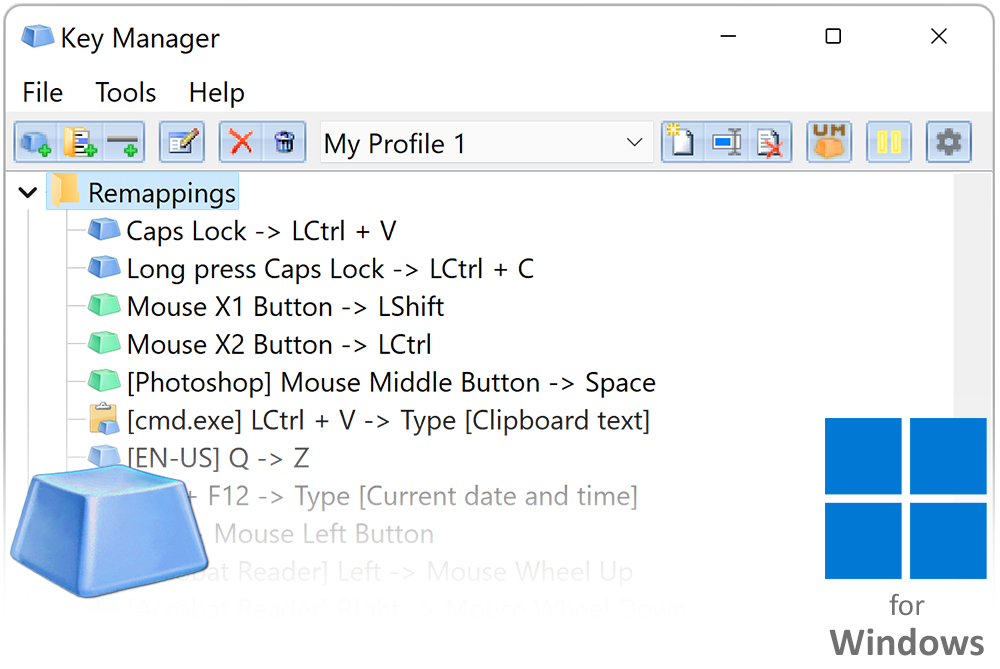

Key Manager is a more functional version of the program Key Remapper (see below) that, in addition to remapping keys and mouse buttons, has many other useful functions. For example, Key Manager allows you to remap combinations of keys and mouse buttons, key and mouse button sequences, and long presses (press and hold). Remap keys depending on your keyboard layout. You can show your actions in the form of pop-up menus that can be opened with hotkeys, record, edit, and execute macros (key sequences), emulate mouse clicks, type and paste text (including formatted text), instantly fill in forms on websites, launch programs, open websites (you can insert currently selected text into their address parameters), change the layout and case of selected text, manage the power settings of your monitor and computer, control the volume or set it at a certain level, move and resize windows, and much more.
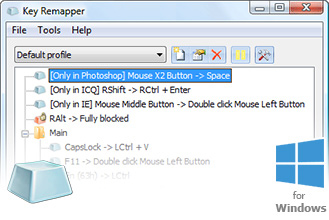
Key Remapper allows you to block and remap keys, mouse buttons and mouse wheel actions to other keys, mouse buttons and the mouse wheel rotation and combinations of the above actions with modifiers. It also makes it possible to emulate double mouse button clicks or double key presses and allows you to set the necessary interval between presses.
Remapping and blocking actions can be restricted to specific programs or windows.
The software does not alter the scan codes stored in the registry and does not require the system to be restarted in order to apply mapping changes.
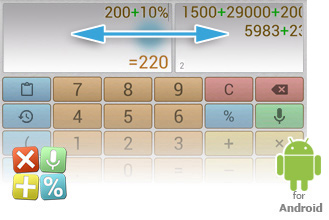
Multi-Screen Voice Calculator is a calculator for everyday use for Android devices that lets you instantly enter numbers and expressions using an ergonomic on-screen keyboard and voice input! Execute two or more operations at once with the ability to switch editing screens with a horizontal swipe along the top. All previously executed calculations can be viewed in the calculations history. Text tags can be assigned to records, and expressions and results can be pasted directly into the editor. Execute percentage operations. Conveniently use and switch between many different memory cores. Each core can be assigned a name, letting you intuitively employ them in a particular subject area, and much more.
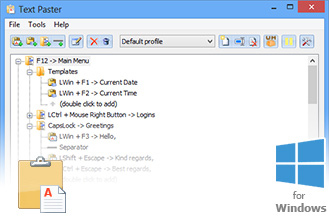


Text Paster is a program for instantly pasting into input fields in practically any program plain or formatted (RTF) text that has been pre-defined by you: standard phrases, greetings, generic replies, the current date and time, letter and document templates, e-mail addresses, website addresses, usernames, passwords, text fragments selected on your screen, clipboard contents, and much more.
You can also do the following with Text Paster: Group the text clippings you regularly paste and display them as a popup menu. Paste text or display the popup menu with a single key, mouse click, key combination, or by pressing and holding a pre-defined key or mouse button. Quickly fill out forms thanks to automatic switching between fields through emulation of the Tab key and other keys, including Enter. If a program does not support pasting text (for example, a console application), then text can be typed in by the program itself. Limit text pasting and type to certain programs or windows.